
Stripe Payment
The plugin exposes Stripe options under Auctions → Settings → Stripe Payment. These depend on a separate Stripe extension; the code checks for WC_STRIPE_VERSION.
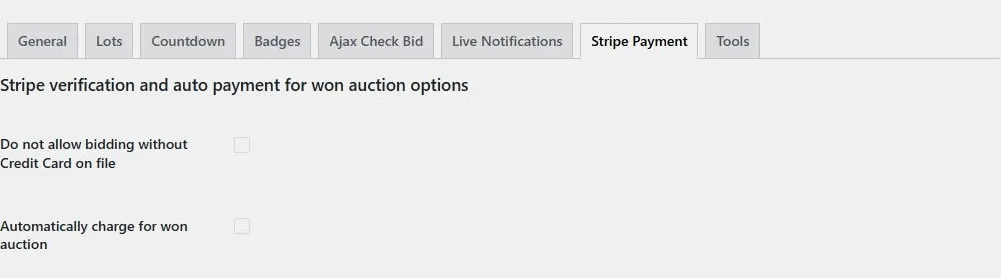
Saved-card and automatic-charge switches. They are disabled in this demo because the required Stripe integration is unavailable.
Require a stored card
Section titled “Require a stored card”Enable Do not allow bidding without Credit Card on file to require an eligible saved Stripe payment token before bidding. Customers without one are directed to the payment-methods section of My Account.
A saved card is an eligibility check. It is not a guarantee of a successful charge or a reservation of the winning amount.
Automatic winner payment
Section titled “Automatic winner payment”Automatically charge for won auction enables the automatic-charge integration. Before using it on live auctions:
- Configure the compatible Stripe gateway and saved payment methods.
- Use gateway test mode on a staging store.
- Test a winning auction with a saved card.
- Review the generated order, gateway response, and order notes.
- Rehearse the unpaid/failed-charge workflow.
Authentication requirements and gateway failures can prevent payment. Inspect the order before retrying a charge.
The presence of a Stripe settings tab does not mean that every Stripe-branded extension or payment method has been validated with this integration.