
Competitions for WooCommerce supports Elementor natively through competition related widgets for single competition page. Prerequisites are Elementor and Elementor PRO.
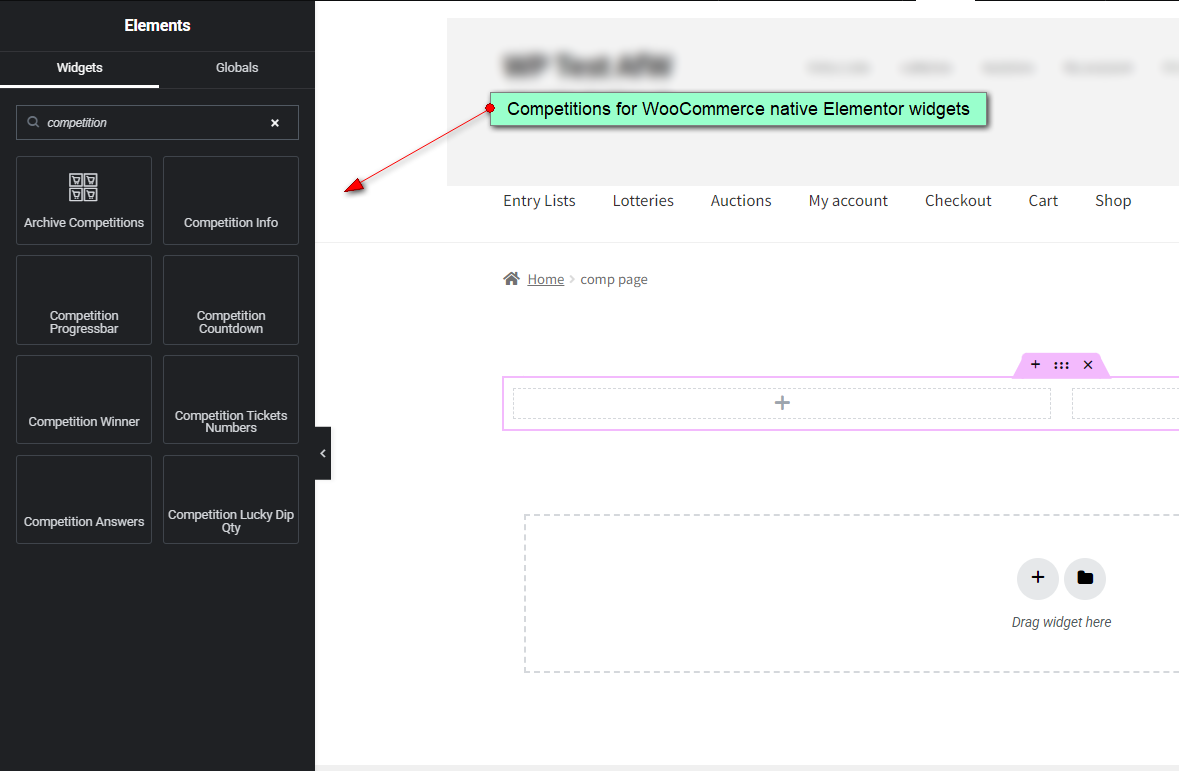
Elementor support means that now you have competition related widgets in Elementor widget list which can be used to easily rearrange, design and style single competition page using Elementor visual editor.
How To Create Auction Page Template?
- in wp-admin Products > Categories, then Add New Category > Competitions or skip this step if you will show this template for all your competition products
- in wp-admin Products set couple of auctions to be in Auctions product category
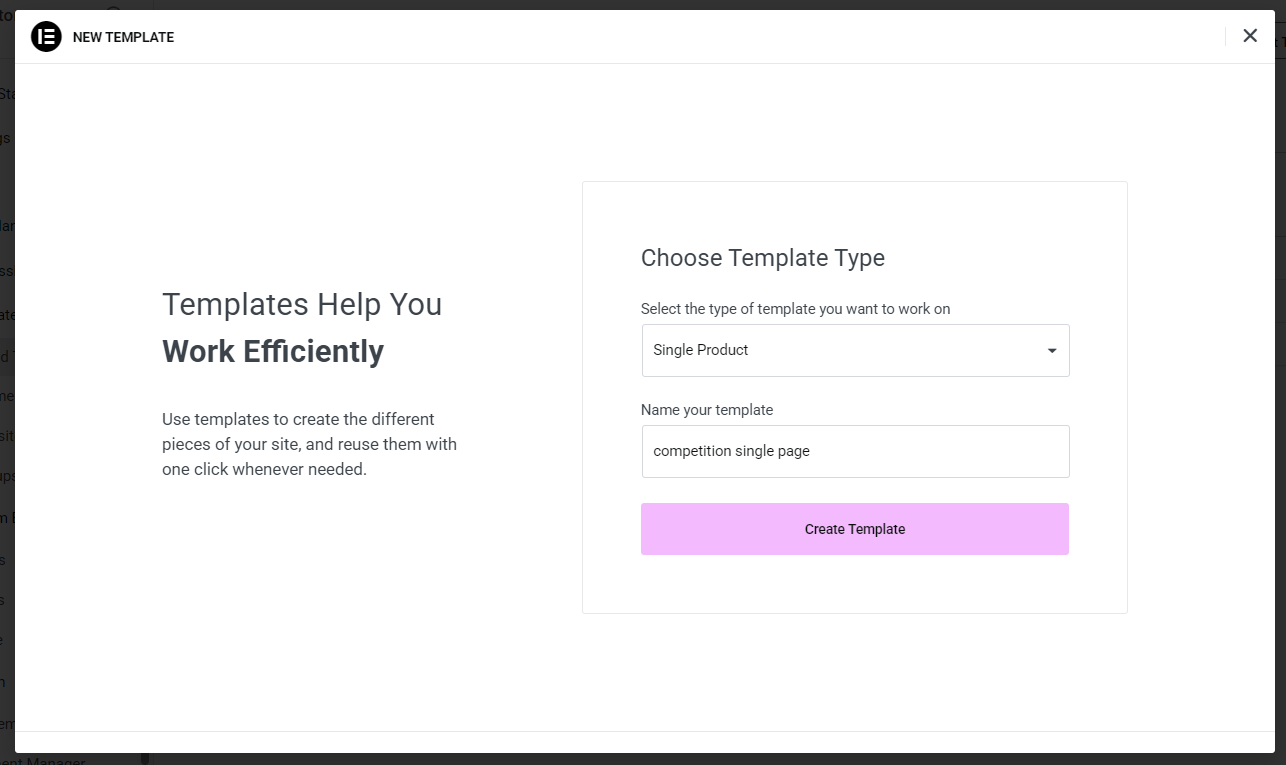
- in wp-admin click on Templates > Add New
- choose template type > Single Product and enter name for the template
- design and style page by dragging widgets from the left toolbar to the page as you would do for any other page
- after you have finished click Publish
- in publish settings click Add Condition, select In Category, select Products or Competitions category (you need to create Competitions product category priror that)
- click Save & Close
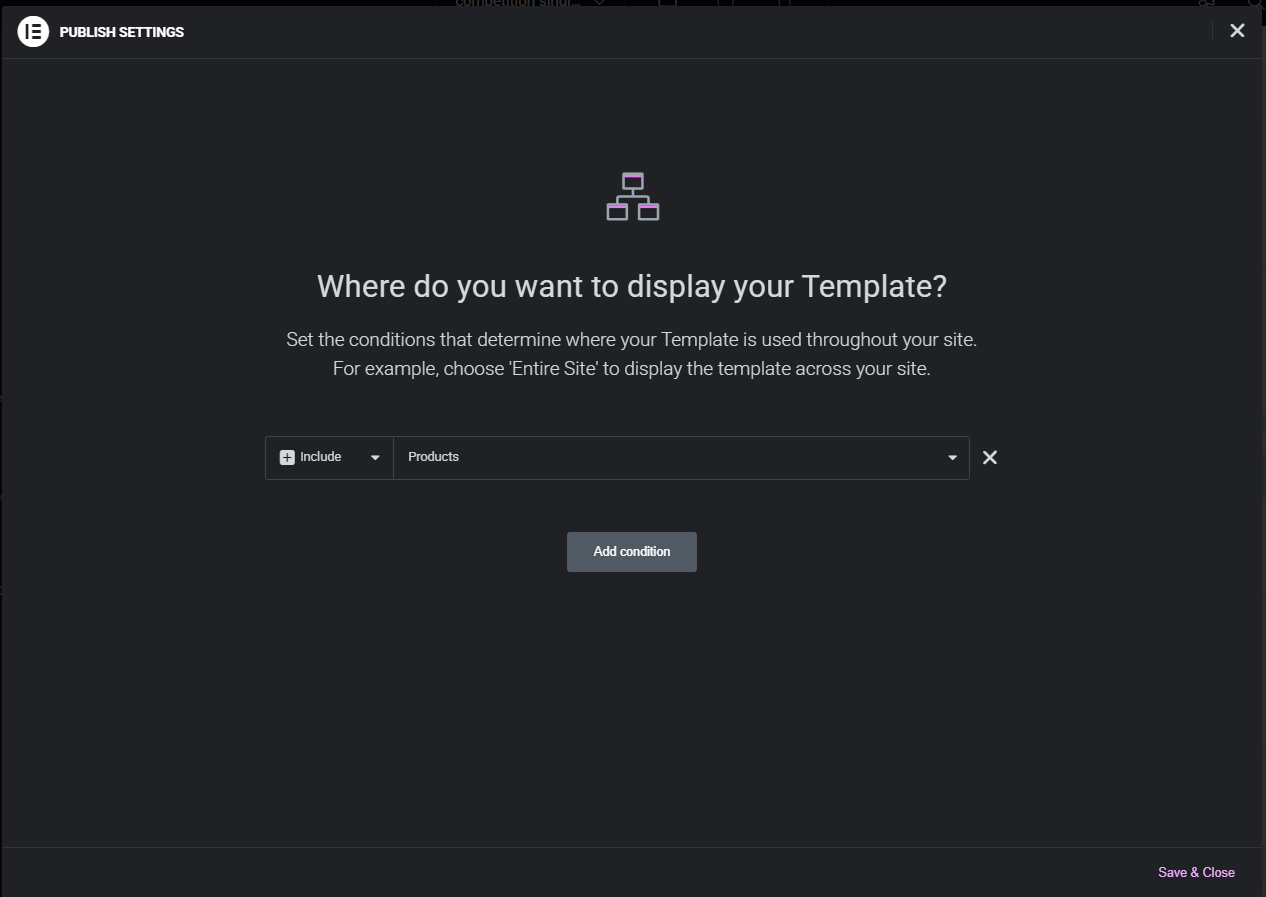
In order to load and display newly created Elementor template we will define condition where we will load template for all products categorized as Competitions product category or for all products.
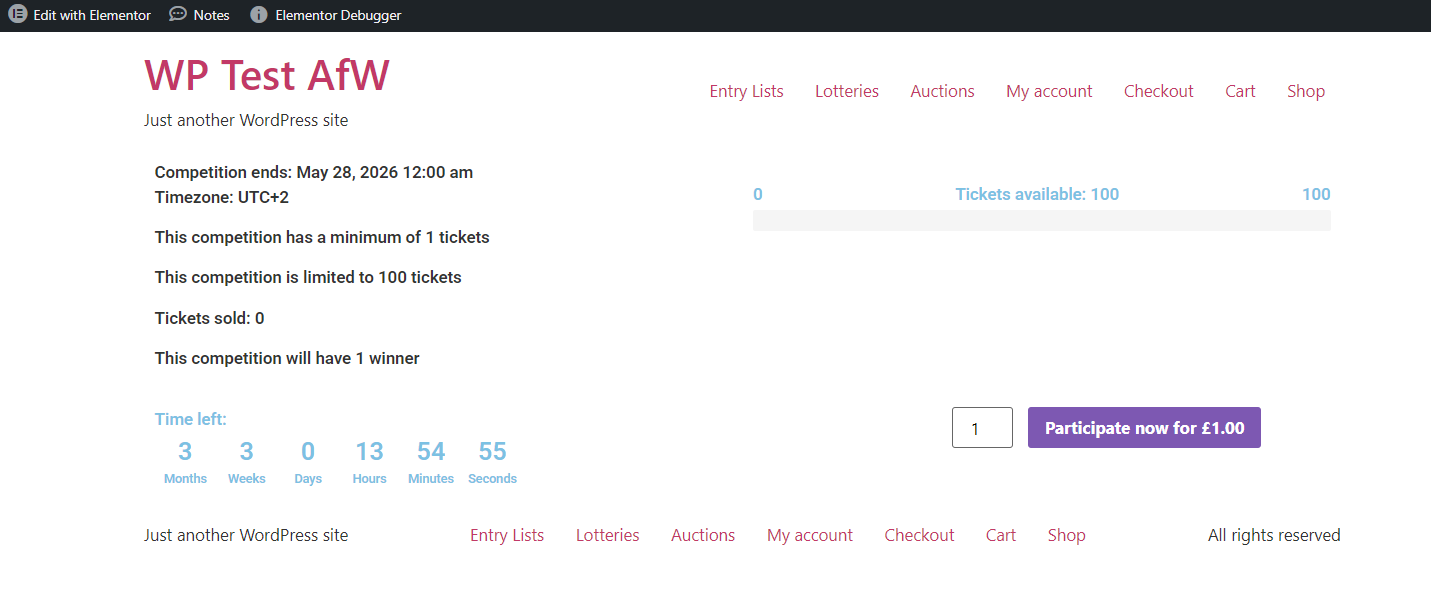
For end – one recommendation – Click Elementor > Settings then go to Performance tab. Disable caching during developing and in production if you have issues. In case you have some questions feel free to open support ticket.
That’s all!